'%3e%3cpath%20fill='white'%20d='M12.2178%205.26343L15.3569%2012.7053L17.4812%2010.5404L12.2178%205.26343Z'%3e%3c/path%3e%3cpath%20fill='white'%20d='M5.27696%2022.7721L22.7721%205.27696L17.4951%200L0%2017.4951L5.27696%2022.7721Z'%3e%3c/path%3e%3cpath%20fill='white'%20d='M12.2178%205.27696L29.7129%2022.7721L34.9899%2017.4951L17.4947%200L12.2178%205.27696Z'%3e%3c/path%3e%3cpath%20fill='white'%20d='M54.9618%206.25116C55.4353%204.70867%2055.8413%203.38266%2056.2201%202.05666H56.3419C56.7478%203.40972%2057.1267%204.76279%2057.695%206.31881L60.0087%2013.8013H52.5533L54.9618%206.25116ZM54.3529%200.270613L47.1816%2022.4068H49.766L51.8227%2015.9662H60.7258L62.7825%2022.4068H65.4886L58.2768%200.270613H54.3529ZM79.2764%2022.4474H81.8066V2.55729H87.6789V0.270613H73.4041V2.5167H79.3034L79.2764%2022.4474ZM100.181%2022.4474H102.711V0.270613H100.181V22.4474ZM119.408%2011.271C119.408%204.38393%20121.749%202.27315%20125.348%202.27315C128.947%202.27315%20131.41%204.57336%20131.41%2011.5011C131.41%2018.4288%20129.11%2020.4989%20125.443%2020.4989C121.776%2020.4989%20119.408%2018.1852%20119.408%2011.271ZM133.994%2011.271C133.994%203.15264%20130.774%200%20125.524%200C120.274%200%20116.702%203.31501%20116.702%2011.5011C116.702%2019.6871%20119.895%2022.7721%20125.172%2022.7721C130.449%2022.7721%20133.94%2019.4571%20133.94%2011.271H133.994ZM152.937%2020.4989C150.862%2020.5138%20148.851%2019.7732%20147.281%2018.4152L145.793%2020.4313C147.733%2022.0331%20150.193%2022.8661%20152.707%2022.7721C157.443%2022.7721%20160.095%2019.9983%20160.095%2016.6427C160.095%209.87738%20149.541%2010.8922%20149.541%205.81818C149.541%203.80211%20151.084%202.3408%20153.681%202.3408C155.259%202.31464%20156.794%202.85197%20158.011%203.85624L159.554%201.89429C157.923%200.632155%20155.905%20-0.0274889%20153.844%200.0270606C149.866%200.0270606%20146.984%202.61141%20146.984%205.96702C146.984%2012.9488%20157.538%2011.8123%20157.538%2016.7915C157.443%2018.8482%20155.833%2020.4989%20152.829%2020.4989H152.937Z'%3e%3c/path%3e%3c/g%3e%3cdefs%3e%3cclipPath%20id='clip0_1060_39'%3e%3crect%20fill='white'%20height='22.7721'%20width='160'%3e%3c/rect%3e%3c/clipPath%3e%3c/defs%3e%3c/svg%3e)
On this page
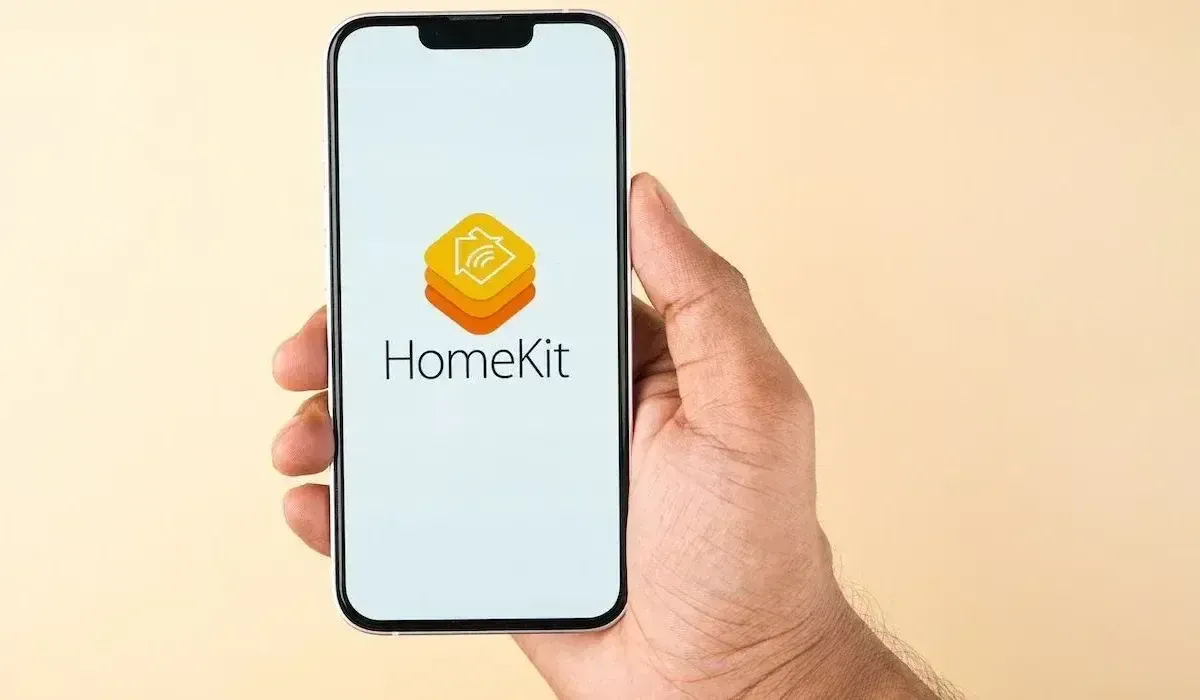
As one of the world's leading technology companies, Apple has repeatedly attracted attention in recent years with new innovations. One of these is Apple HomeKit, which allows users to control their homes in a smart way. In this article, we take a closer look at Apple HomeKit and the Apple Home app and show you how you can use it in your home.
What is Apple HomeKit?
Apple HomeKit is a platform that enables users to control compatible devices in their home through a central interface. These include lights, blinds, thermostats, door locks, and cameras, for example. Apple HomeKit devices can be controlled via the Apple Home app or with Siri, Apple’s voice control system.
How does Apple HomeKit work?
Apple HomeKit is a protocol that can be based on several possible wired and wireless communication technologies, including Ethernet, WiFi, Bluetooth Low Energy (BLE), or Thread. These enable energy-efficient communication between the various devices in the HomeKit system. Using the control center, the Apple Home Hub (either an Apple TV or HomePod), users can manage their devices and set up automated routines. For example, you can configure the lights to turn on automatically when you arrive home.
Which devices are compatible with Apple HomeKit?
A wide range of devices is compatible with Apple HomeKit, including blinds, thermostats, lights, door locks, cameras, and many other devices. To ensure that a device is compatible with Apple HomeKit, you should look for the appropriate label when purchasing. Manufacturers such as Atios, Philips, Honeywell, Osram, and many others offer compatible devices.
How do you set up an Apple HomeKit device?
To set up an Apple HomeKit device, you need an iOS device with the latest version of iOS installed. Then open the preinstalled Apple Home app or download it again from the App Store. After clicking the (+) plus symbol in the top right corner and selecting “Add Accessory,” follow the instructions to set up the device. During the setup process, all compatible devices are automatically detected and can then be controlled using the Apple Home app.
Conclusion
Apple HomeKit offers a convenient way to control your home intelligently. With a wide range of compatible devices and the ability to set up automated routines, Apple HomeKit can help make life easier and more comfortable. If you are looking for a smart control solution for your home, you should definitely consider Apple HomeKit.
Continue reading
Why Are We Passionate About Matter?
An engineering team’s honest answer.

You Designed the Customer Journey. Don’t Forget the Staff Journey.
A retail automation system is only as good as the experience of the people who use it every day.

The Home Office That Feels Like a Porsche Cockpit
Lighting, climate, one gesture.