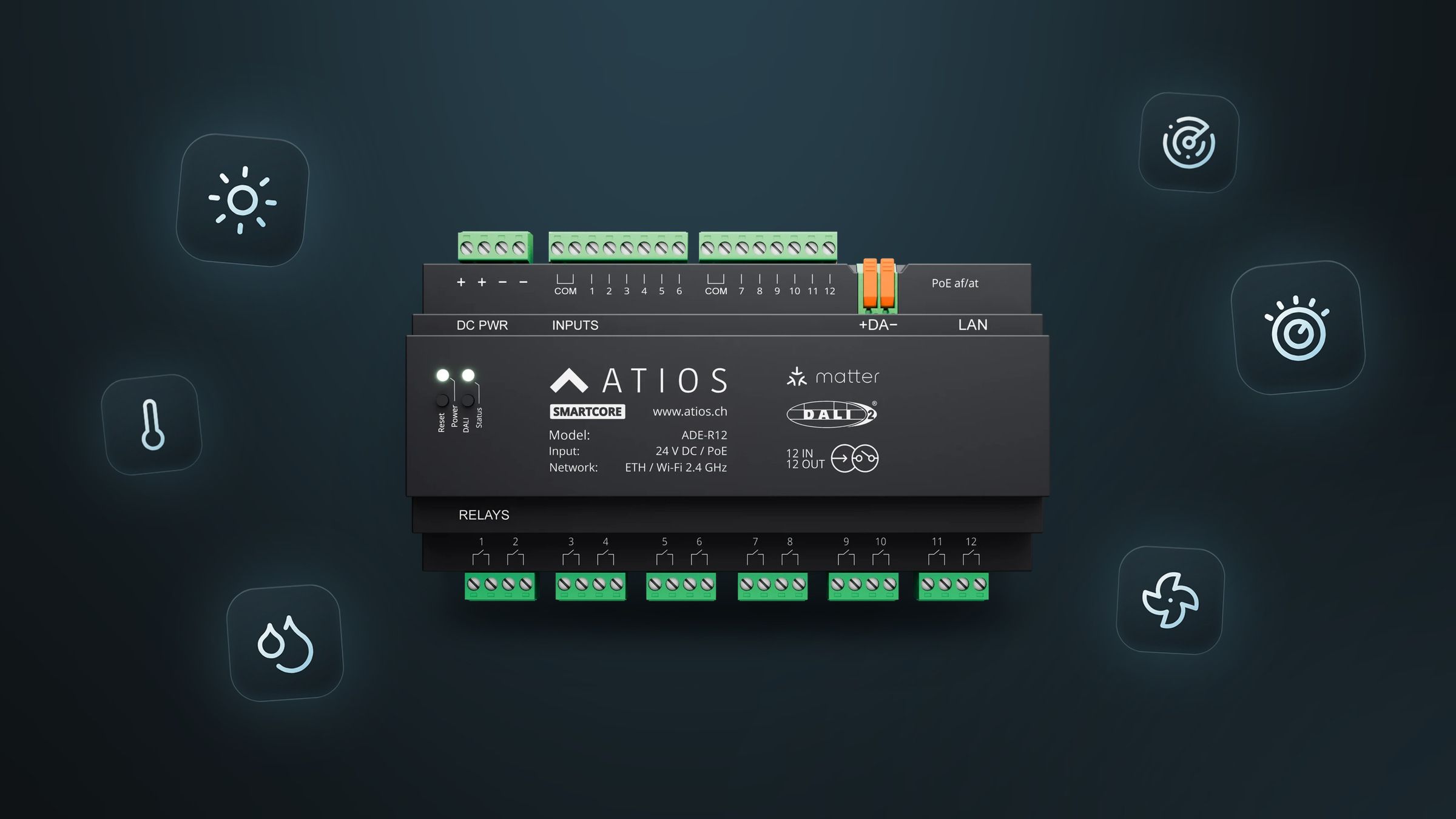
Firmware Update 3.2 for the SmartCore was just released! It brings a new Web Interface, a rebuilt DALI Configurator and support for new types of accessories.
More options with DALI-2 and new sensors
- Improved DALI Configurator: Edit and group several devices at once.
- New sensors: Support for DALI-2 Lux, temperature, humidity and motion sensors.
- Rotary dimmer: Support for DALI-2 rotary dimmer.
- DALI-2 input devices: Dimming and double press.
Button actions and more local control without Matter
- More button actions: Inputs can now switch "on only" or "off only", or "toggle" as before.
- Local light control: Motion and presence detectors switch lights directly and locally, with an off delay.
- New sensor types: Humidity, temperature and brightness sensors are now supported.
- New fan accessory: With 3 speed levels or via a DALI DT6 dimmer.
- Power outage: Shutters keep their position.
- Matter: Hide accessories that are only used for local automations on SmartCore, show switches as plugs.
A new Web Interface
- A fresh look: A new clean design, optimised for phones.
- Multilanguage: German, English, French, Italian and more.
- Rooms: Create rooms and drag and drop accessories into them.
How to install the update
- Open the Web Interface of the SmartCore.
- Go to Settings > System > Update, set the channel to Stable and start the update.
The first update from 2.7 includes a one-time system migration. It can take up to 5 minutes. Please do not cancel the process early. Full steps: Guide for the SmartCore
Try the new interface first: SmartCore demo
Questions? support@atios.ch
Continue reading
1 min read
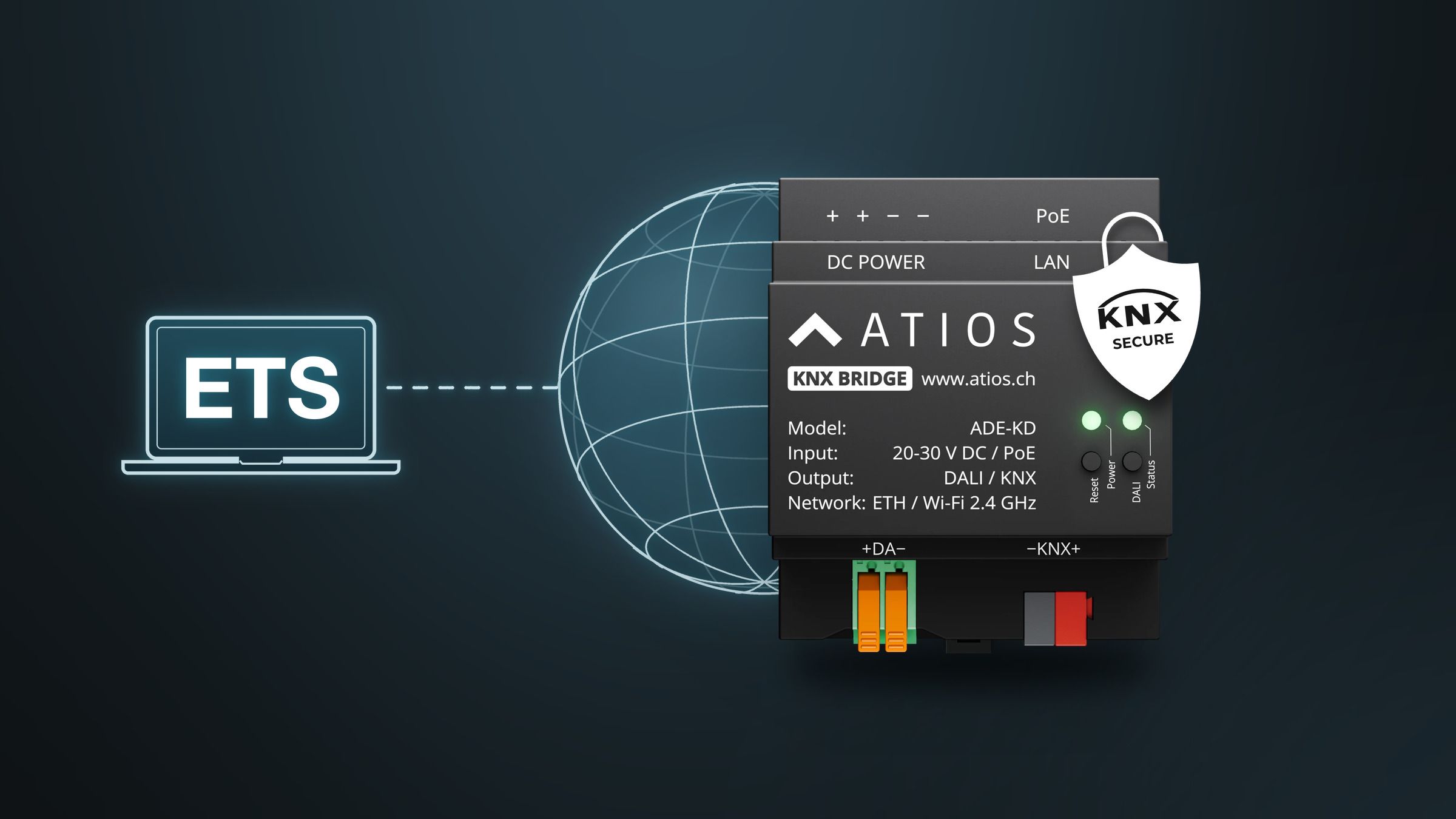
KNX Bridge Update: KNX Secure, ETS remote access and a new look
Firmware 3.2 for the KNX Bridge
1 min read
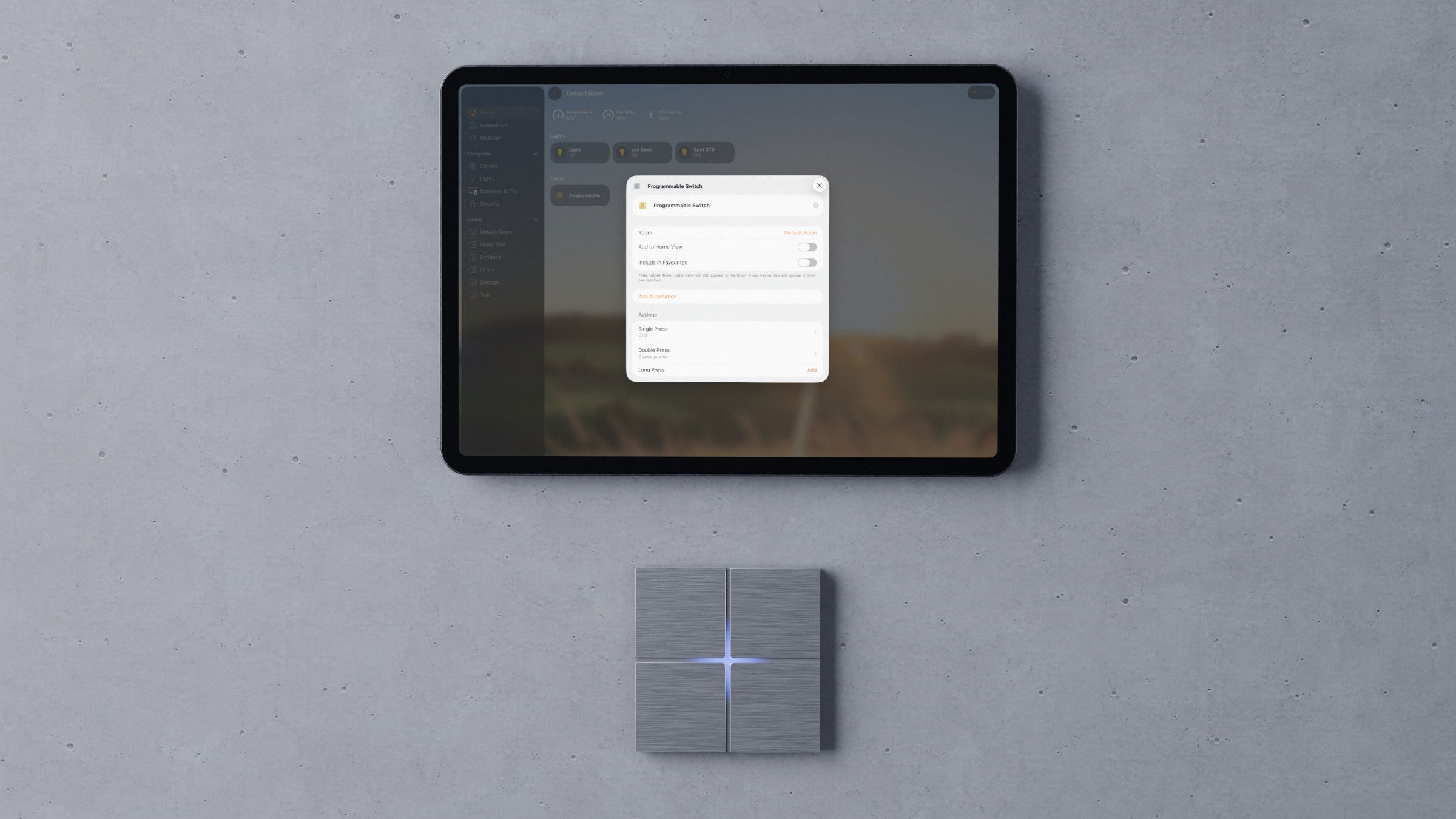
Programmable Switch for KNX Bridge: use your KNX push buttons to trigger scenes or control Matter devices
How a KNX push button, through the KNX Bridge, triggers scenes and controls other Matter devices in Apple Home, Google Home and Home Assistant.
1 min read
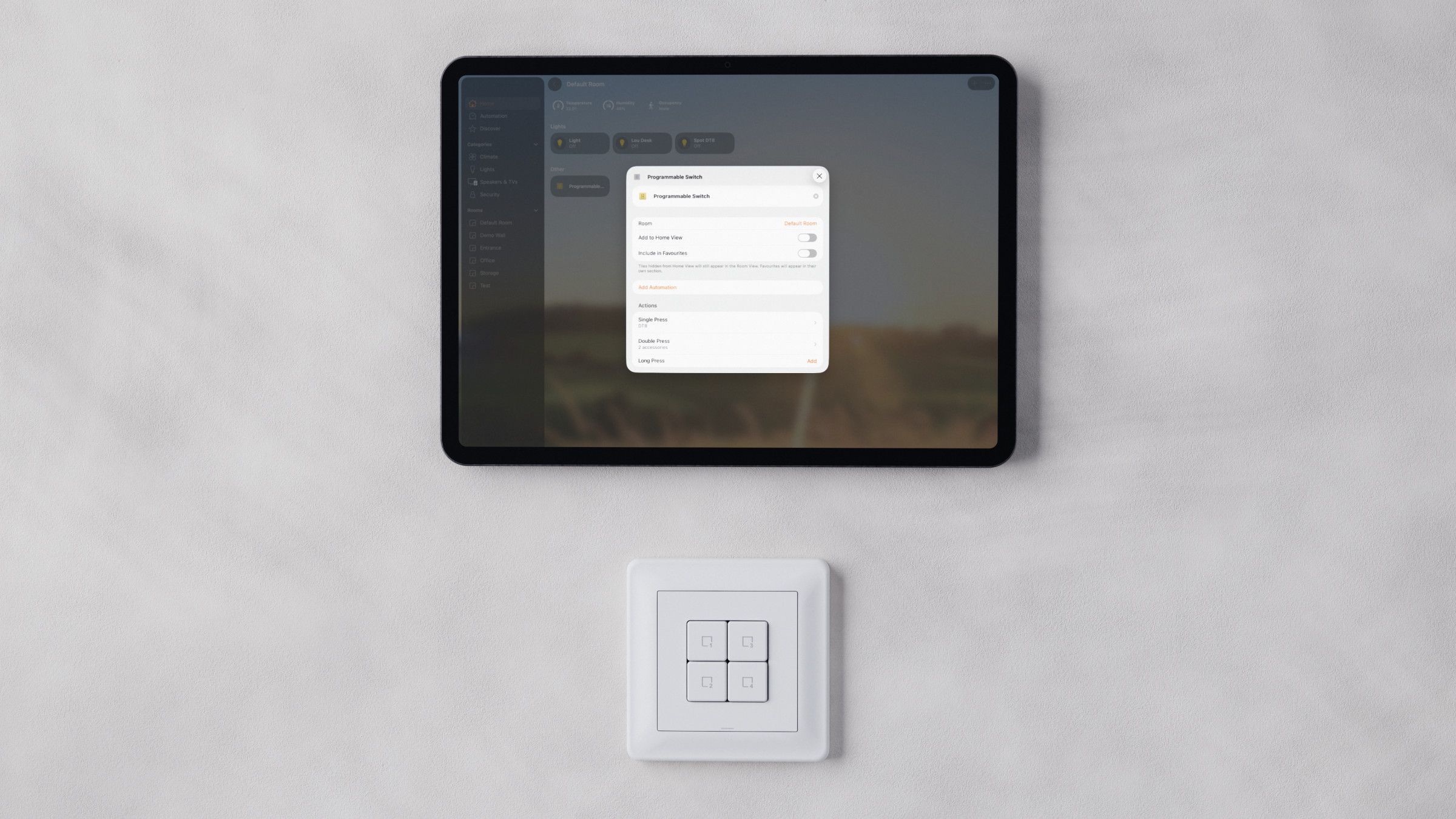
Programmable Switch for WiserPort: use your Wiser scene buttons to trigger scenes or control Matter devices
How a Wiser by Feller scene button, through the WiserPort, triggers scenes and controls other Matter devices in Apple Home, Google Home and Home Assistant.