 Christina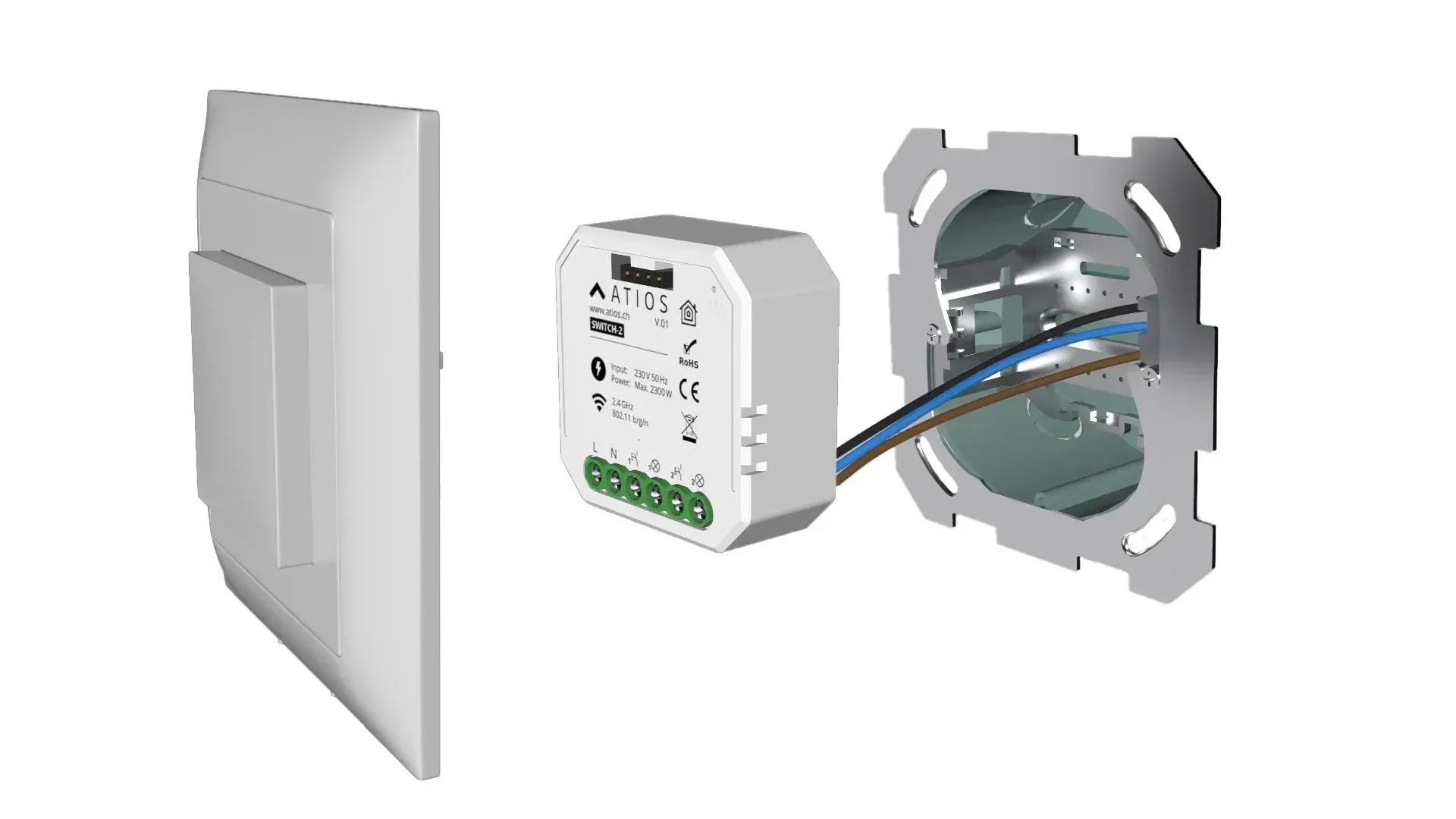
On this page
Wondering whether to retrofit a smart home into your existing property for more everyday comfort? This article walks through how Apple HomeKit makes retrofitting straightforward, and how to keep the installation effort low.
Why retrofit a smart home at all?
Retrofitting smart home functions delivers a meaningful comfort upgrade. At the press of a button — or with a voice command — every light in the house can switch off and the blinds drop before you head to bed. That's convenient, time-saving, and economical: the lights aren't left on all night, and the lowered blinds slow the house cooling out.
The same applies to smart heating, which regulates itself up or down depending on how warm the room currently is, or how the user has set the schedule.
How does a smart home work?
The idea behind the smart home is to control everyday household devices via a smartphone app — or to automate them entirely.
In the app you decide which devices should switch on or off and when, or set up scenes so that several devices trigger together when a given scenario fires.
From a technical standpoint, there are essentially two ways to build a smart home: wired or wireless.
Wired
Wired installations make most sense in new builds, where the smart home is planned in from the start. Control cables can be pulled directly into the walls and routed to light switches, blind controllers, and other components.
The most common approach is based on the KNX standard. With KNX, every part of the home or apartment can be made smart from day one, delivering the highest level of comfort and efficiency. Read more about KNX in this article.
Wireless smart home
For anyone retrofitting a smart home, a wired installation is rarely an option — pulling cables through finished walls means turning the whole house into a building site. In rented apartments it's not possible at all without the landlord's permission. The straightforward alternative is a wireless solution that retrofits existing devices.
What are the wireless smart home retrofit options?
What not to do
Plenty of manufacturers now offer smart home components that are easy to control over the air. Philips, for example, sells smart light bulbs that you screw into your existing lamps. The bulbs contain a wireless module and talk to the Philips app on your phone over Bluetooth. That gives you whole-house lighting control through one app. The catch: you can no longer operate the traditional wall switch, because cutting power to the bulb makes it unreachable from the app.
The same pattern repeats for light switches, blind controllers, and other devices, and most need a manufacturer-specific bridge.
You can probably already see the problem with this approach: if you run a lot of smart home devices from different manufacturers, over time you end up with a stack of bridges, several different standards, multiple apps, and other friction.
It would be far more comfortable to operate every device through just one app and one standard. Apple offers exactly this.
Retrofitting a smart home properly with Apple HomeKit
Apple HomeKit makes retrofitting a smart home straightforward. When picking devices, look for ones compatible with Apple HomeKit — usually flagged with a “Works with Apple HomeKit” badge, or noted in the manufacturer's specs.
The big win is that Apple HomeKit gives you one app for every device, instead of one app per manufacturer. You add your Philips bulbs and accessories from other vendors directly into Apple Home, configure scenes there, and control every connected device from the same place.
Apple Home is preinstalled on every Apple device and is free to use.
Dedicated wireless modules plus Apple Home for extra comfort
Smart bulbs with the radio module baked in aren't right for everyone — the traditional wall switch stops working, and you may need a lot of individual bulbs to cover a room.
If you want to keep your existing bulbs but still don't want to live without smart lighting at home, there's another retrofit option: wireless modules that sit right behind the light switch or blind switch.
Retrofit a smart home with Atios wireless modules for lighting and blinds
Our wireless modules are an uncomplicated way to retrofit smart lighting and blind control.
The modules sit directly behind your existing switches and draw power from the wiring already in the wall. No new cables need to be pulled. The modules fit into the existing flush-mount box behind the switch.
Atios wireless modules talk over Wi-Fi or Thread and integrate natively with Apple Home — no extra bridge required. You don't have to swap your bulbs, so you keep a wider choice of lamps (none of them need to be smart), and the existing wall switch keeps working, in sync with the Home app.
The same goes for blind control: power comes from the same cable that already feeds the blind motor.
Atios modules also avoid one downside common to alternative retrofit products: there are no batteries to replace, because the modules are powered from the wiring in the wall. The original switch keeps working, you don't need a bridge, and the modules are natively compatible with Apple HomeKit. Once installed, you can stop worrying about whether your modules are still online and just enjoy your smart home.
Continue reading

How to Make Your Home Feel Expensive (Without Spending a Fortune)
The two things you feel first when you walk in are light and temperature, and neither one needs a big budget.
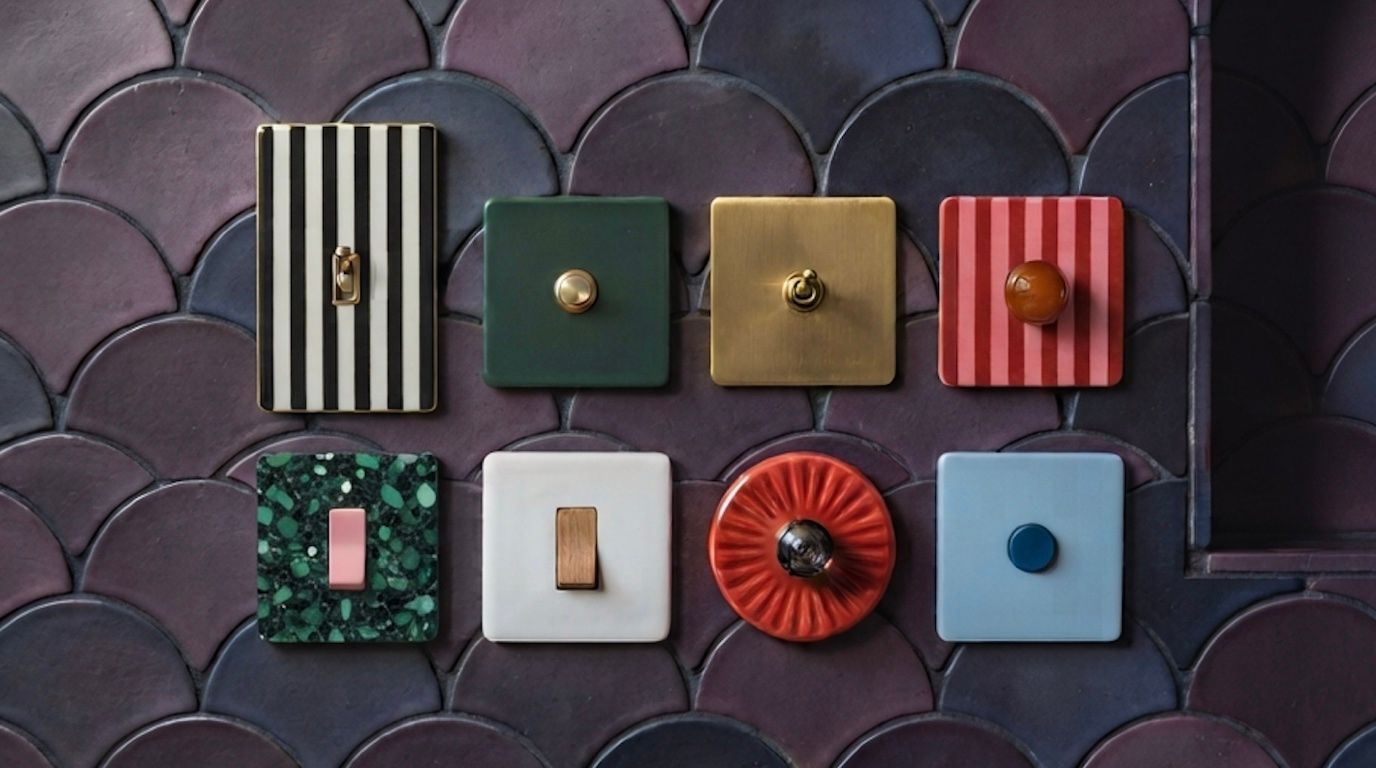
Your design switch deserves to be smart
Keep the beautiful light switch you chose, and make it work with Apple Home, Google Home and the rest of your smart home.
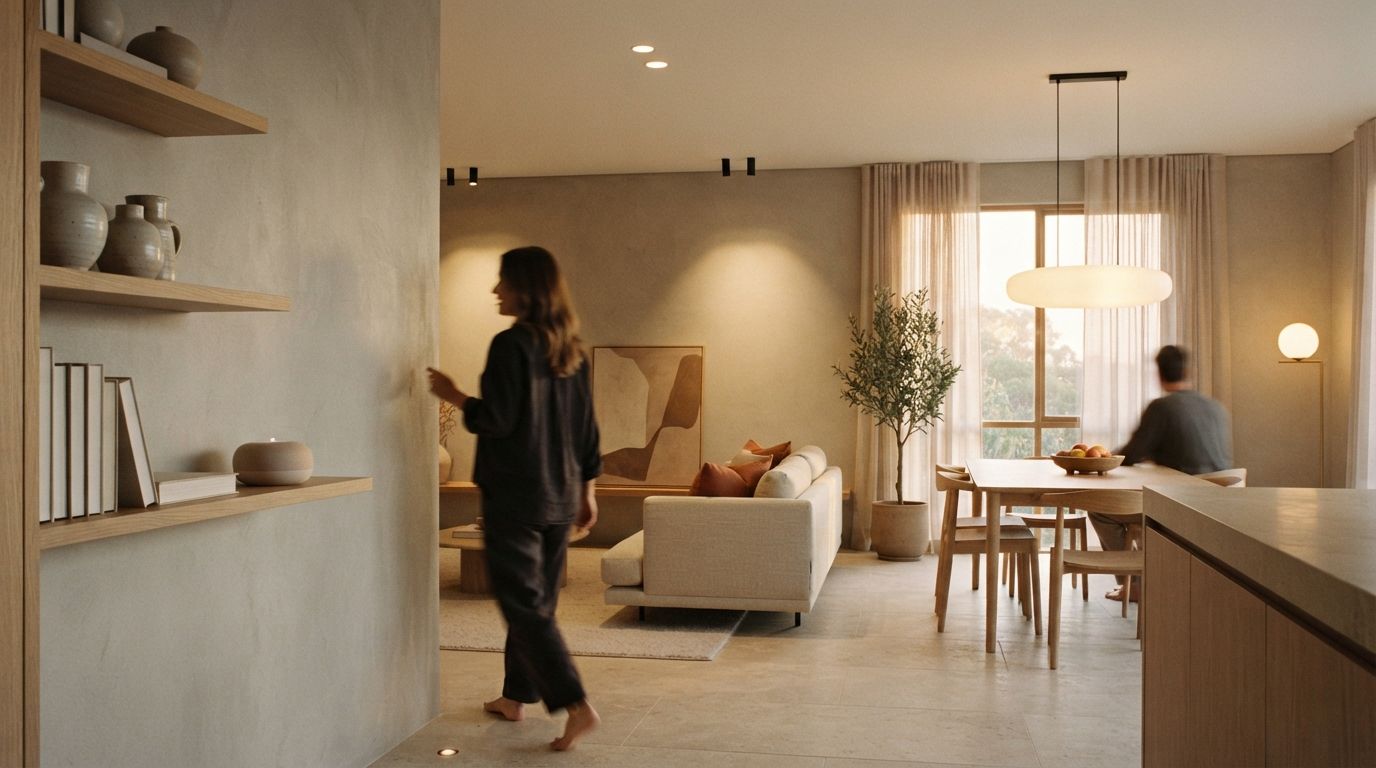
DALI doesn’t speak Siri. We fixed that.
Professional DALI lighting and decorative luminaires, in the same app, the same scene and the same voice command.